The Daywork Sheet App Built for the Front Line
Capture extra work and variations as they happen through voice logs, photos, and crew check-ins. Your supervisor reviews and approves complete daywork records on-site, eliminating the evening paperwork session.

Trusted by companies, projects and teams of all sizes















Why Daywork Sheet management Is Harder than It Should Be

Manual tracking creates billing disputes
Site supervisors track variations on scraps of paper or notebooks, leading to incomplete records and payment disputes weeks later.

Hours spent documenting after shift
Supervisors spend hours after work documenting who was involved, what materials were used, and how much time was spent on variations.

Missing details reduce revenue
Incomplete daywork records mean lost billable hours and materials that can’t be recovered weeks later when invoicing.

No proof of work completed
Handwritten daywork sheets lack timestamps, photos, or GPS data to prove when and where extra work was performed.
A Smarter Daywork Sheet App

Voice logging captures work details
Supervisors record crew names, hours, rates, materials, and work descriptions through voice notes that AI converts to structured daywork records.

Automatic crew time tracking
Crew members clock in and out of specific daywork tasks, creating accurate time records linked to variation orders.

Photo evidence and GPS timestamps
Work progress photos and GPS location data are automatically linked to daywork records for complete audit trails.

No proof of work completed
Approved daywork records flow directly to billing systems with all crew hours, materials, and proof attached.


Understanding Daywork Sheet Software
What is a daywork sheet?
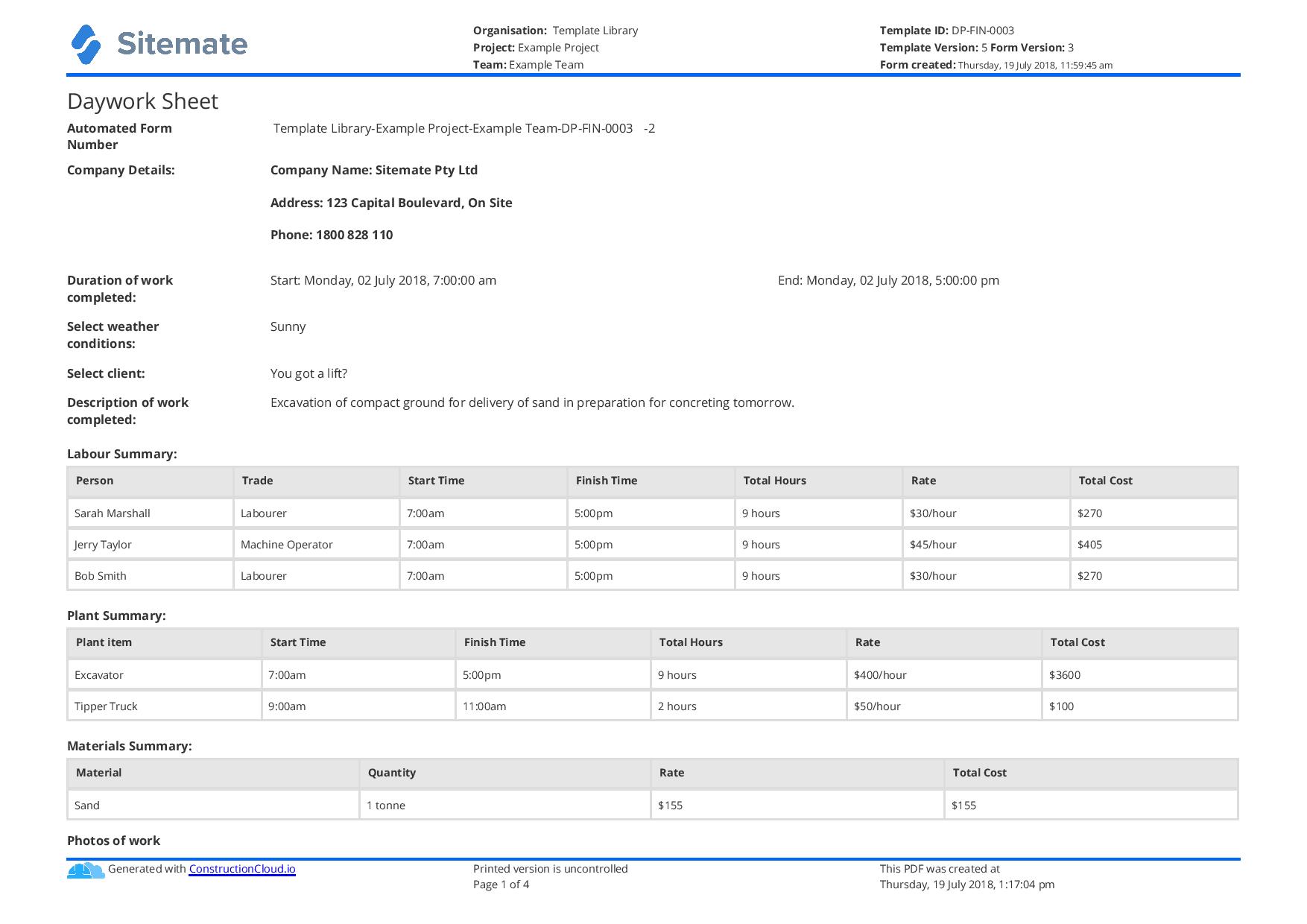
A daywork sheet documents extra work performed outside the original contract scope, typically charged on a time and materials basis. Also known as variation orders or extra work sheets, these records capture crew hours, materials used, equipment time, and work descriptions for accurate billing. Daywork sheets are essential for recovering costs on construction variations, emergency repairs, or scope changes that occur during project execution.
Common daywork documentation challenges include:
- Manual tracking on paper leads to incomplete records
- Hours spent after shift documenting work details
- Missing crew hours and material quantities reduce billable amounts
- Lack of photo evidence creates payment disputes
- No GPS timestamps to verify work locations
- Delayed invoicing due to incomplete documentation
Digital daywork sheet benefits
Digital daywork sheets capture complete records as work happens, including crew time tracking, voice-recorded work descriptions, photo evidence, and GPS locations. This real-time documentation eliminates evening paperwork sessions while ensuring all billable work is properly recorded for invoicing.
How To Set Up a Digital Daywork Sheet Using Sitemate
Step 1:
Step 2:
Import crew and rates. Upload crew member details with their hourly rates for different work types and overtime calculations.
Step 3:
Train supervisors on voice logging. Show supervisors how to record work details via voice and link photos to specific daywork tasks.
Step 4:
Set up billing integration. Connect Flowsite to your accounting system for direct export of approved daywork records.
Step 5:
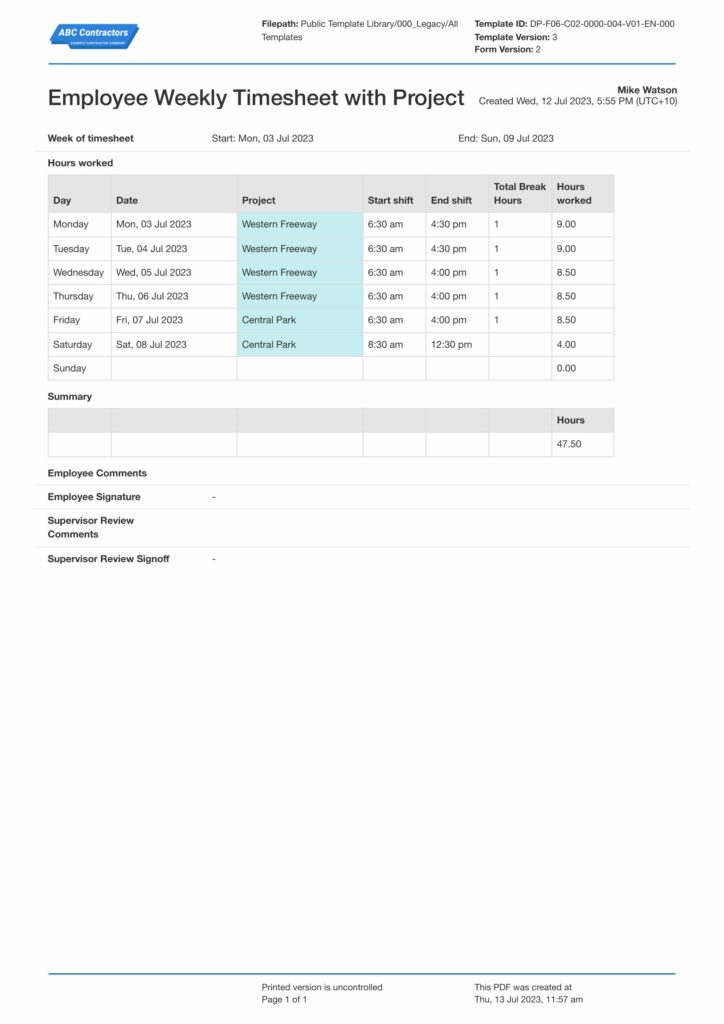
Start Faster With Built-In Daywork Sheet Templates

See How Sitemate Has Already Helped Companies Like Yours

"People can access the system remotely. There's no need to sign a form in person."
- Stuart Gordon, Group Health and Safety Director
6 live regions
Managing housing projects with Dashpivot
100+ forms
Use digitally across health, safety, and quality
Flowsite integration for complete daywork management
Flowsite manages the complete daywork lifecycle from variation initiation through invoicing, with approved daywork records flowing directly to billing systems.
Comparison: Paper Daywork Sheet vs Digital Daywork Sheet
Most project teams already know paper and spreadsheets aren't cutting it. Here's what changes when you move your method statements to a digital system.
Real-time work capture
Voice-to-text logging
Photo evidence linked to tasks
Digital crew signatures
Automated approval workflows
Complete audit trail
Offline access capability
Searchable work history
Direct export to invoicing

Paper
Frequently asked questions about Daywork Sheet
Will clients accept automatically generated daywork records?

Records include digital signatures, GPS timestamps, and photo evidence making them more detailed and auditable than handwritten sheets. The automatic generation eliminates human transcription errors.
How accurate is the voice-to-text conversion for technical terms?
The AI learns construction terminology and material specifications. Supervisors review all extracted data before approval to ensure accuracy.
Can daywork records be edited after supervisor approval?
Approved records are locked to maintain audit integrity. Any changes require supervisor re-approval with change tracking for complete transparency.
How do crew members clock in to daywork tasks?
Crew members use the mobile app to clock in to specific variation work orders. Their time is automatically tracked and linked to the daywork record.
What happens if there's no mobile signal on site?
The app works offline and syncs daywork records when connection is restored. Voice notes and photos are stored locally until upload.
Can multiple crew members work on the same daywork task?
Yes, multiple crew members can clock in to the same variation order. Their individual hours and rates are tracked separately in the daywork record.
How does GPS verification work for daywork location?
GPS coordinates are automatically captured when crew clock in and when supervisors record voice logs, providing location verification for the work performed.
 English (United States)
  English (Australia)
  English (UK)
  English (New Zealand)
  English (South Africa)
  German