The Site Diary App Software Built for the Front Line
Sitemate’s Site Diary App Software helps site teams capture daily site activities, and plug those updates straight into a digital diary. With Site Diary software in Dashpivot, you can use Storm, Sitemate’s AI agent, to turn raw data like photos, field notes, and even voice notes into a complete and comprehensive site diary.

Trusted by companies, projects and teams of all sizes















Why Site Diary management Is Harder than It Should Be

Writing site diary entries after the workday
Supervisors often have to complete site diaries at the end of the day, compiling work details either from memory or from multiple field note sources.

Late diary updates slow down project visibility
When site diary updates are submitted late, as they often are when using paper forms, project teams lose visibility and can’t respond as quickly.

Incomplete records of daily site activity
Paper-based site diaries often miss key information like weather conditions, hours worked, machinery and equipment details, and supporting photos.

Incomplete records hurt contract claims
Gaps in site diary documentation negatively impact progress claims and dispute resolution, costing contractors time and money.
A Smarter Site Diary App

AI-assisted site diary creation
Storm can use user prompts, photos, and even voice notes uploaded by workers to turn raw information into complete site diary entries with the right details in the right sections within the Dashpivot template.

Daily updates flow straight from site
Workers can update the diary throughout the day from their phones or tablets, so project managers don’t have to wait for paperwork to reach the office to get site updates.

Review and approve diary records faster
Supervisors and engineers just need to review the pre-filled site diary in Dashpivot, add any final notes or photos, and add digital signatures to approve the document.

Incomplete records hurt contract claims
Every site diary includes timestamped records, attached photos, weather details, field notes, and other supporting documents that link back to what actually happened on site.


Understanding Site Diary Software
What is a Site Diary App Software?
A Site Diary App Software is a tool that site personnel use to create site diaries, which are records of what happened on the job site during the day. Site diaries usually include information on work progress, workforce attendance, site conditions, delays, safety concerns, and other important site notes. With a Site Diary App, teams take data from the work site and use it to create accurate records that are easy to complete, review, and archive.
What fields are recorded in a Site Diary App Software?
- Project name, site location, diary date, and general information
- Weather and site conditions
- Workforce details such as worker attendance and work hours
- Completed and planned activities
- Equipment and material usage
- Information on any delays, incidents, or safety issues
- Supporting photos and attachments
Why are Site Diaries important?
Site diaries are important because they serve as a clear record of what happened on site each day. This is especially relevant for industries like construction, where there are multiple moving parts and things change quickly at the job site. They help project teams keep reliable field records that support reviews, audits, claims, and future project decisions.
How To Set Up a Digital Site Diary Using Sitemate
Set up the Site Diary templates
Make use of field capture
Enable automatic weather capture, GPS tagging, and timestamped entries so site diaries are tied to the right project, location, and date. Additionally, set up crew time-in and time-out workflows using the automated check-in field so tracking work hours is accurate throughout the day.
Create review and approval workflows
Next, you will want to give supervisors and project managers a way to review and approve the site diary before it is finalized. Any incomplete diaries, flagged issues, or delay notes must be sent to the appropriate people for corrective actions.
Train site teams
It is critical that workers and site personnel are trained on how to use your app, as their input is essential to creating a complete site diary. Storm simplifies this process by using their voice notes, uploaded photos, and other user prompts, all of which workers can access from their mobile devices.
Go live with site diaries
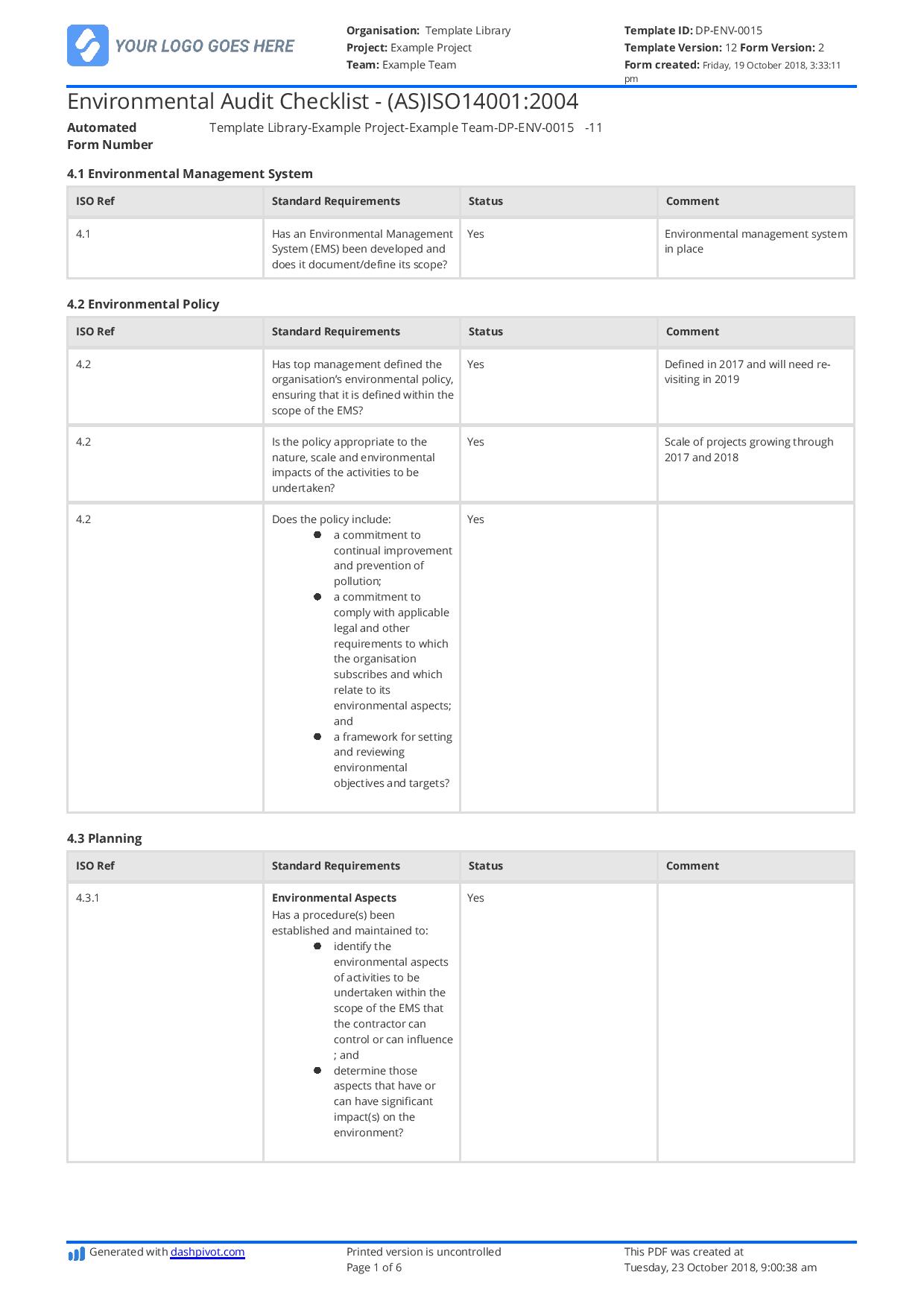
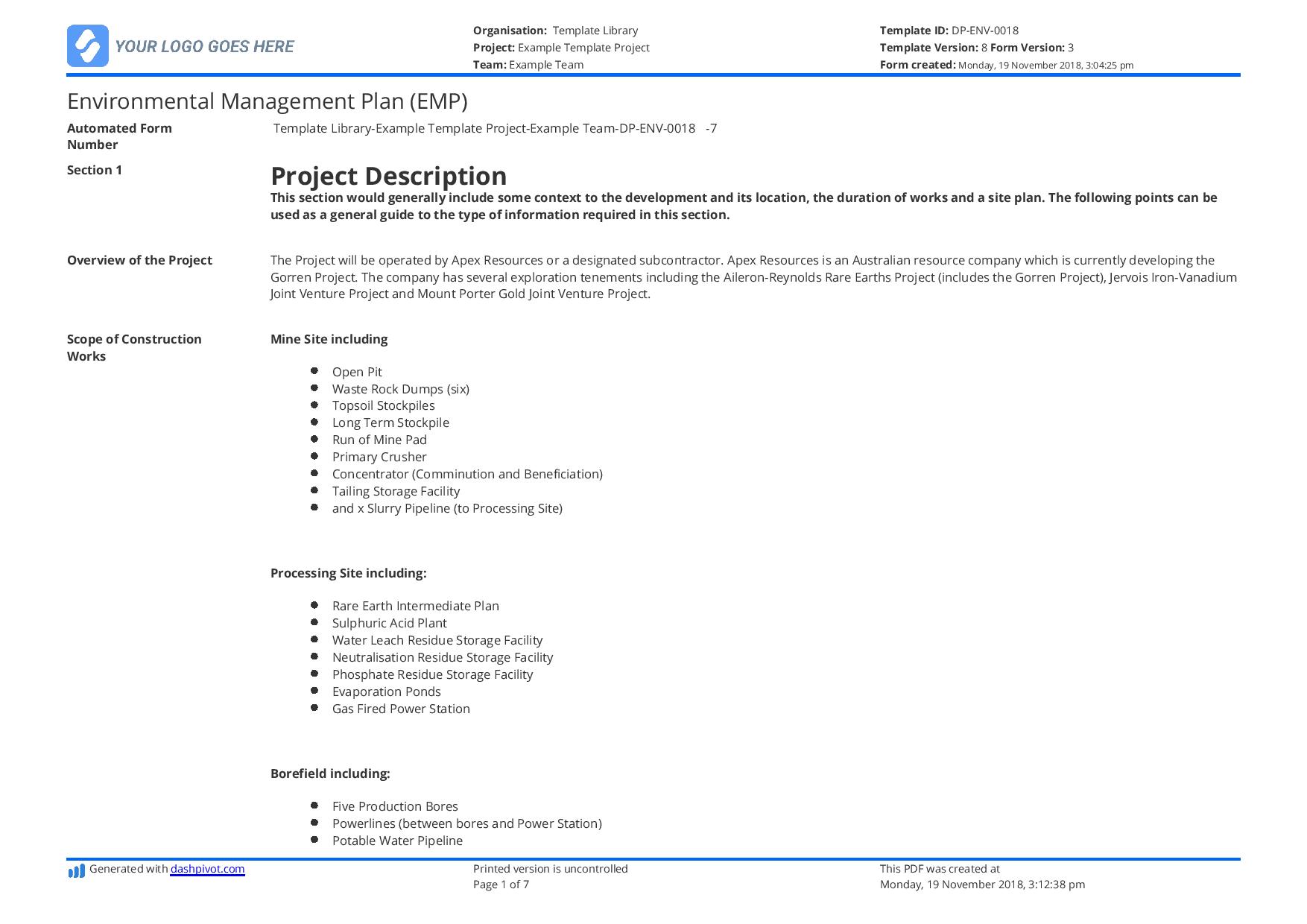
Start Faster With Built-In Site Diary App Software Templates

See How Sitemate Has Already Helped Companies Like Yours

"People can access the system remotely. There's no need to sign a form in person."
- Stuart Gordon, Group Health and Safety Director
6 live regions
Managing housing projects with Dashpivot
100+ forms
Use digitally across health, safety, and quality
Client reporting with Flowsite
Completed and approved site diaries automatically flow into client dashboards and project portals through Flowsite, giving your stakeholders real-time visibility of work progress with minimal manual admin work by the site team.
Comparison: Paper Site Diary vs Digital Site Diary
Most project teams already know paper and spreadsheets aren't cutting it. Here's what changes when you move your method statements to a digital system.
Data capture
Site diary format
Versioning
Photo linking
Voice notes
Site progress visibility
Approvals
Audit trail
File-keeping and tracking

Paper
Frequently asked questions about Site Diary App Software
Will the AI capture everything that happened on site?

Storm can capture and format relevant information from photos, voice notes, typed notes, and other field inputs, but still relies on workers to actually capture the initial input. Supervisors should also still review the finished diary to confirm that the details are complete and accurate.
How does the Dashpivot mobile app work for workers in the field?
Workers can use the Dashpivot app to access the digital site diary from their phone or tablet, and use Storm to add progress updates to the working diary as the work happens.
Can site diary templates be tailored for different project types?
Yes, each site diary template can be edited to tailor-fit different project types, teams, locations, and reporting needs using Sitemate’s drag-and-drop template builder.
How do completed site diaries improve existing project reporting?
Sitemate’s Site Diary helps teams improve project reporting by producing and keeping an accurate record of work completed, hours worked, notes on safety issues, photos, notes, approvals, and supporting documents together in one easily traceable report.
What happens if workers forget to capture activity during the day?
Workers and supervisors can still add missing details later on Dashpivot, with Storm helping to turn rough notes, photos, and voice entries into a clear site diary draft.
Do generated site diaries comply with audit requirements?
Yes, Sitemate’s site diaries include all the necessary site diary and reporting fields to comply with industry requirements and audits.
 English (United States)
  English (Australia)
  English (UK)
  English (New Zealand)
  English (South Africa)
  German